



Convince rather than explain – our new AI inspiration makes it possible.
Pictures say more than a thousand words. Bring promotional items with logos to life right now.
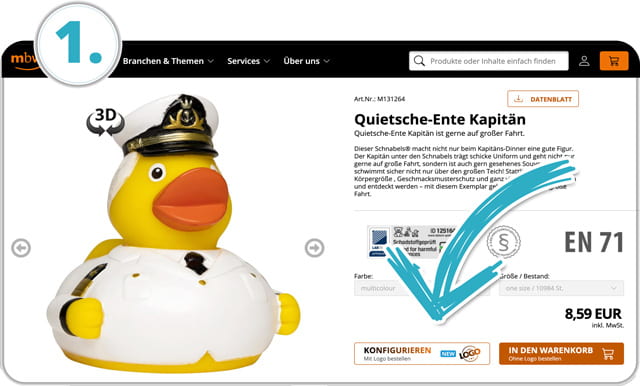
Log in & configure product
Log in to your webshop user account, select a product from our range and click on the "Configure" button.
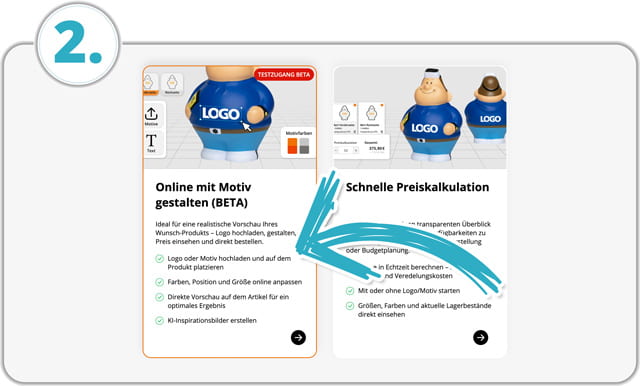
Select editor
Select the AI-inspired editor by clicking on 'Design online with motif'.
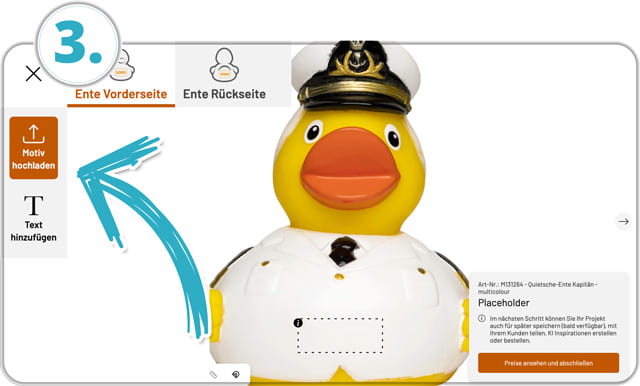
Upload & place logo
Upload your logo and place it in the designated print area.
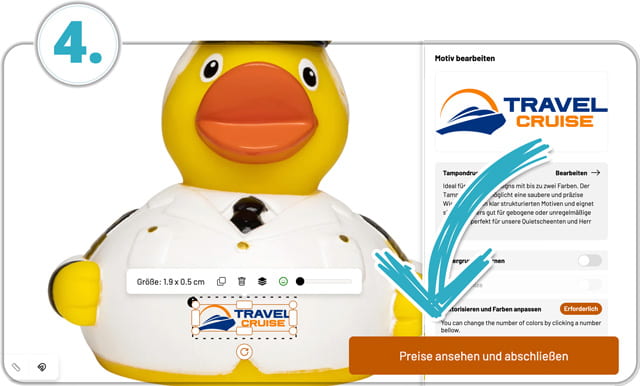
View prices & continue
Once the logo is correctly positioned, click on "View prices and complete".
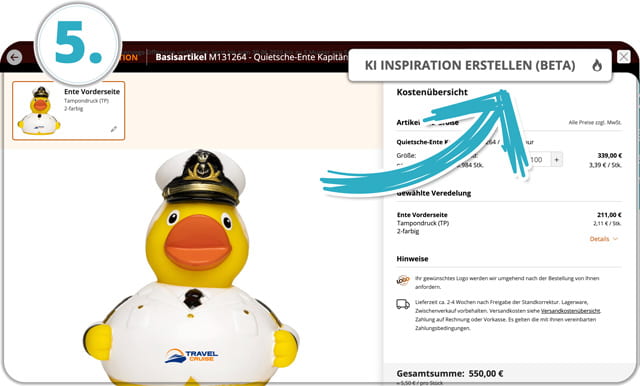
Start AI Inspiration
On the next page, click on the button "Create AI inspiration" to open the AI function.
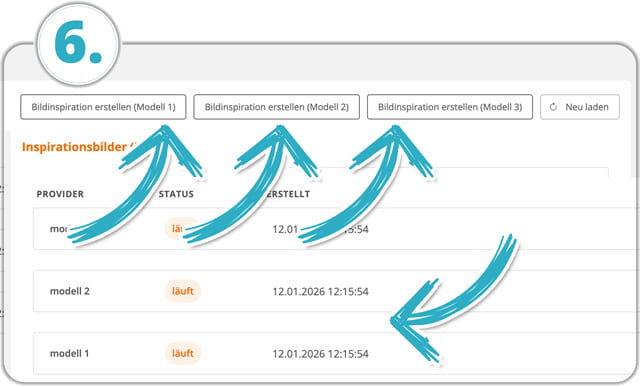
Select AI models & generate views
Select the AI model and click on "Create inspiration". The model will then automatically generate different views. This may take a few minutes. Click on "Reload" for an updated view.
- You can restart each model at any time to generate more images.
- You can then conveniently download the finished views.
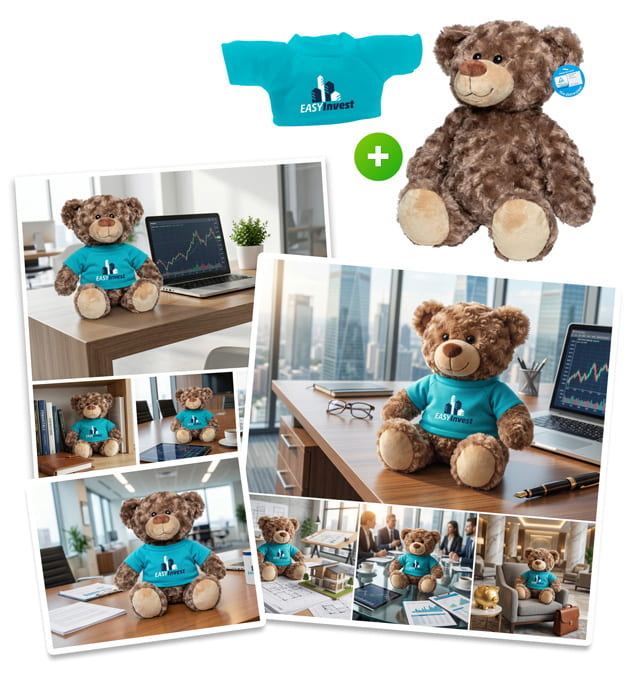
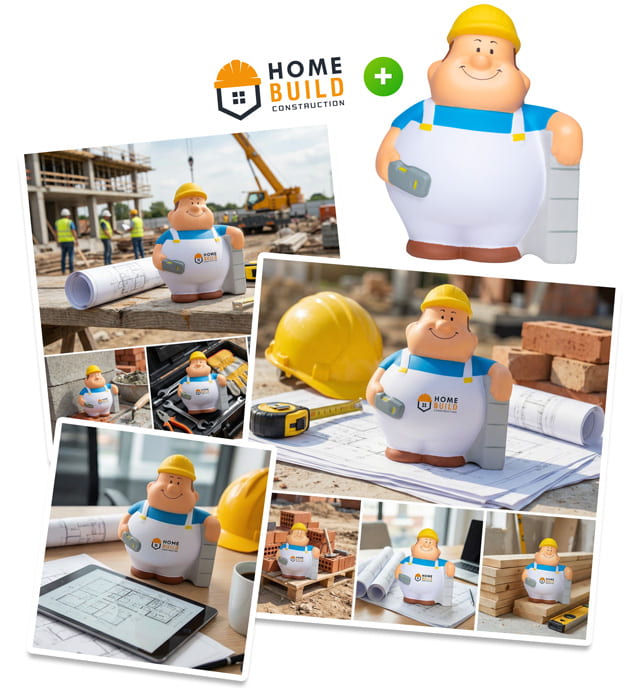
Try it now!
-

M124224
SQUEEZIES® Start-Up Bert®Sizes: one size
-

M124233
SQUEEZIES® SEO Bert®Sizes: one size
-

M124246
SQUEEZIES® Warehouse Bert®Sizes: one size
-

M124271
SQUEEZIES® Soccer Bert®Sizes: one size
-
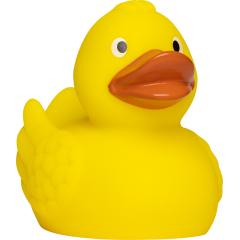
M131004
Schnabels® Rubber duck, wingsSizes: 5,5 cm, 7,5 cm, 8,5 cm, 9,5 cm
-

M131129
Schnabels® Squeaky duck mechanicSizes: one size
-

M131153
Schnabels® Squeaky duck pharmacistSizes: one size
-
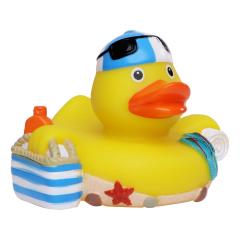
M131228
Schnabels® Squeaky duck beachSizes: one size
-

M160067
MiniFeet® Plush bear SiggiSizes: M, L
-

M160364
MiniFeet® Bear BodoSizes: S, M, L, XL
-
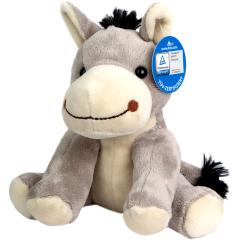
M160626
MiniFeet® Zoo animal donkey AlexSizes: one size
-
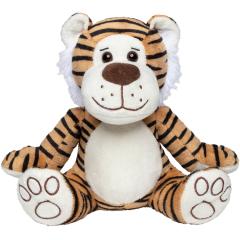
M160645
MiniFeet® Plush tiger LucySizes: one size
The new AI-inspired editor
This webinar recording provides a concise overview of the new mbw® editor and the AI-powered visualisation feature in the web shop.
Learn how to:
- Place and customise logos directly in the editor
- Create atmospheric product visualisations with AI inspiration
- Use visualisations specifically for presentation and customer acquisition
- Use the configurator for products, finishing and prices